Terminal Commands vs. Third-Party Tools: Choosing the Right Cache Management Approach for Your Mac
A comprehensive analysis for German Mac users weighing manual control against automated convenience in macOS cache file management.
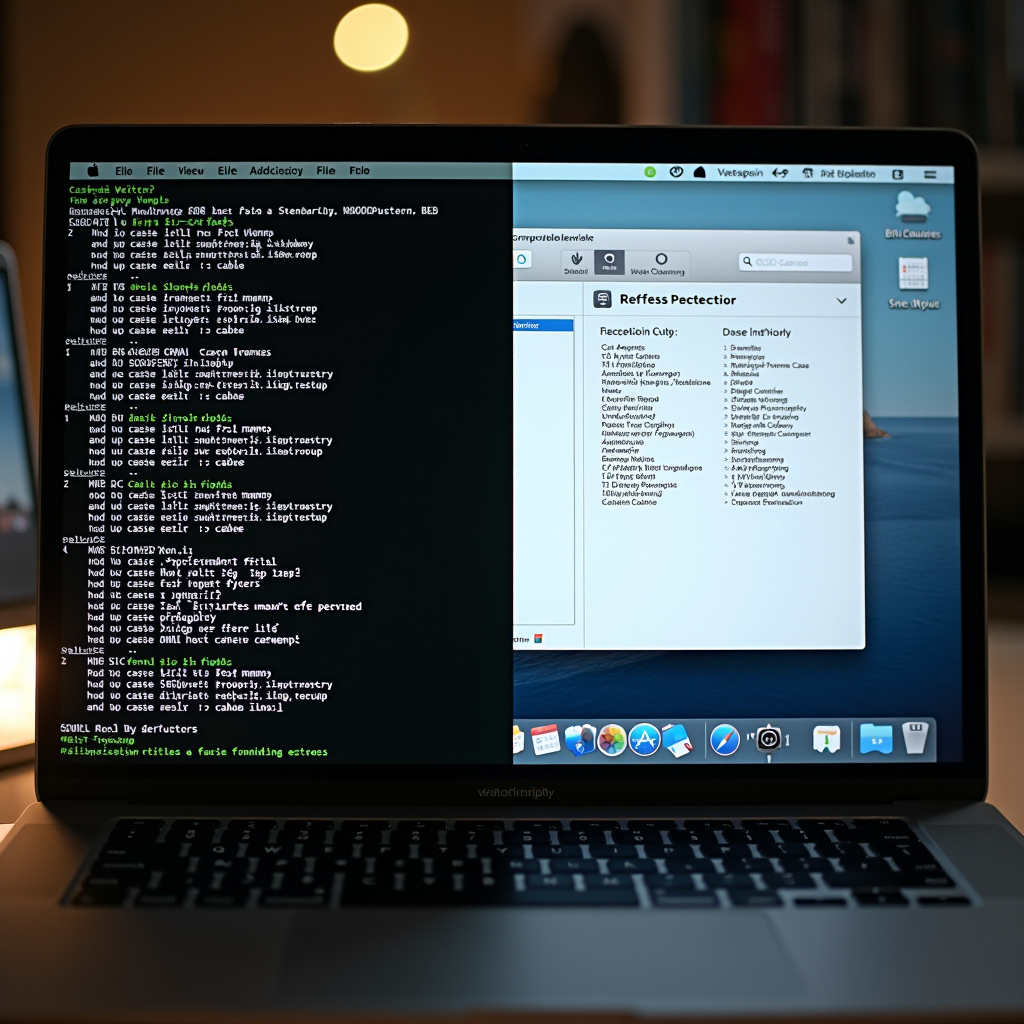
Managing cache files on macOS represents a fundamental aspect of mac performance optimization that every user eventually confronts. Whether you're experiencing sluggish system behavior, running low on storage space, or simply maintaining your Mac's health, the question inevitably arises: should you use Terminal commands for manual cache cleaning or rely on third-party utilities? This decision carries significant implications for both system performance and user experience, particularly for German Mac users who value precision and reliability in their computing environment.
The debate between manual Terminal-based cache management and automated third-party solutions reflects a broader philosophical divide in the Mac community. On one side stand users who prefer direct system control and transparency; on the other, those who prioritize convenience and comprehensive functionality. Understanding the strengths and limitations of each approach enables you to make an informed decision aligned with your technical comfort level, time constraints, and specific mac cache cleaning requirements.
Understanding Terminal-Based Cache Management
Terminal commands represent the most direct method for mac cache cleaning, offering granular control over exactly which cache files are removed from your system. This approach leverages macOS's Unix foundation, allowing users to navigate the file system and execute precise deletion commands without installing additional software. The Terminal provides access to system-level directories that remain hidden from Finder by default, including user cache folders, system cache locations, and application-specific temporary files.
The primary advantage of Terminal-based cache management lies in its transparency and precision. When you execute a command likerm -rf ~/Library/Caches/*, you know exactly which directory is being targeted and what action is being performed. This level of control appeals particularly to technically proficient users who understand file system hierarchies and want to avoid the "black box" nature of automated tools. You can selectively clear specific application caches, preserve certain files, and maintain complete awareness of system modifications.
However, Terminal-based cache cleaning demands significant technical knowledge and carries inherent risks. Incorrect commands can delete critical system files, potentially rendering macOS unstable or unusable. The learning curve is steep for users unfamiliar with command-line interfaces, requiring understanding of Unix file paths, permission structures, and command syntax. Additionally, manual cache management is time-consuming, as you must identify cache locations, construct appropriate commands, and execute them individually for different cache types. There's no visual feedback beyond text output, making it difficult to assess the impact of your actions or verify successful completion.
For German Mac users who value engineering precision and systematic approaches, Terminal commands offer the satisfaction of direct system interaction. The method aligns with a preference for understanding underlying mechanisms rather than relying on abstracted interfaces. However, this approach requires ongoing education about macOS file system changes across versions, as cache locations and structures evolve with each major system update. The responsibility for avoiding mistakes rests entirely with the user, with no safety nets or undo mechanisms beyond Time Machine backups.
Evaluating Third-Party Cache Cleaning Utilities
Third-party cache cleaning utilities transform mac performance optimization from a technical exercise into an accessible, user-friendly process. These applications provide graphical interfaces that visualize cache accumulation, categorize different cache types, and enable one-click cleaning operations. Modern utilities scan your entire system, identifying not only standard cache locations but also hidden temporary files, log files, and application remnants that manual Terminal commands might miss. The visual presentation of storage space recovery and system impact makes the cleaning process tangible and satisfying.
The convenience factor of third-party tools cannot be overstated. Rather than memorizing complex Terminal commands or consulting documentation for cache locations, users simply launch the application, initiate a scan, review findings, and execute cleaning with a single click. Many utilities offer scheduling capabilities, automatically performing mac cache cleaning at regular intervals without user intervention. This automation ensures consistent system maintenance, preventing cache accumulation from degrading performance over time. For users managing multiple Macs or lacking technical expertise, this streamlined approach represents a significant time savings and reduces the cognitive burden of system maintenance.
Quality third-party utilities incorporate safety mechanisms absent from manual Terminal operations. They typically include whitelist systems that protect critical system files, preview functions showing exactly what will be deleted, and undo capabilities for reversing cleaning operations if issues arise. Many applications provide detailed explanations of each cache type, educating users about what they're removing and why. This educational component helps users develop better understanding of macOS internals while maintaining a safety buffer against catastrophic mistakes. The best utilities also update automatically, adapting to macOS changes without requiring user research or command modification.
However, third-party solutions introduce their own considerations. These applications consume system resources, add another layer of software to maintain, and often require payment for full functionality. The "black box" concern remains valid—users must trust that the utility is performing appropriate actions without causing harm. Some aggressive cleaning tools have been known to delete files that applications expect to persist, causing unexpected behavior or requiring cache regeneration that temporarily slows performance. Additionally, the market contains both reputable utilities and questionable applications that overpromise results or employ scare tactics about system health.
Comparing Performance Impact and Effectiveness
When evaluating mac cache cleaning methods, effectiveness must be measured across multiple dimensions: storage space recovered, performance improvement achieved, time investment required, and risk of system disruption. Terminal commands, when executed correctly, can be extremely effective at removing targeted cache files. A well-constructed script can clear gigabytes of accumulated data in seconds, directly addressing specific performance bottlenecks. The method's effectiveness depends entirely on user knowledge—comprehensive cache cleaning requires identifying all relevant locations, which demands significant research and system familiarity.
Third-party utilities typically achieve more comprehensive cache cleaning because they're designed to scan the entire system systematically. They identify cache locations that casual users might never discover through manual exploration, including application-specific caches, browser data, and system log files. Quality utilities employ algorithms that assess cache age and size, prioritizing removal of files least likely to impact system functionality. This intelligent approach often results in greater storage recovery with lower risk of disrupting application performance through overly aggressive cleaning.
The performance impact of cache cleaning itself varies between methods. Terminal commands execute instantly with minimal system overhead—they're simple file deletion operations that complete in milliseconds. Third-party utilities require more processing time for scanning and analysis, though modern applications optimize these operations efficiently. The real performance consideration lies in post-cleaning behavior: both methods may temporarily slow certain applications as they regenerate necessary cache files. Well-designed utilities minimize this impact by preserving recently accessed caches and focusing on genuinely obsolete data.
For mac performance optimization, the most effective approach often combines elements of both methods. Terminal commands excel for targeted interventions—clearing a specific application's cache when troubleshooting issues, or removing system logs when investigating problems. Third-party utilities shine for routine maintenance, providing comprehensive cleaning without requiring technical expertise. German Mac users who value thoroughness might employ utilities for regular maintenance while keeping Terminal commands available for precise troubleshooting scenarios.
Security and Privacy Considerations
Security represents a critical dimension in the Terminal versus third-party utility debate. Terminal commands operate with the permissions of the executing user, typically requiring administrator privileges for system-level cache cleaning. This direct system access means commands execute exactly as written, with no intermediary software potentially introducing vulnerabilities or unexpected behavior. The security model is straightforward: you control what runs, when it runs, and with what permissions. However, this also means user error can have serious security implications, such as accidentally modifying permission structures or deleting security-related cache files.
Third-party utilities introduce additional security considerations because they're external applications with system-level access. Reputable utilities undergo code signing and notarization by Apple, providing assurance of developer identity and malware absence. However, granting any application broad file system access requires trust in the developer's security practices and intentions. Quality utilities implement sandboxing where possible, limiting their access to only necessary system areas. They also typically request explicit user permission before performing actions, maintaining transparency about their operations.
Privacy concerns differ between approaches as well. Terminal commands leave no trace beyond system logs, operating entirely locally without external communication. Third-party utilities may collect usage data, crash reports, or system information for improvement purposes. Reputable developers clearly disclose data collection practices and provide opt-out mechanisms, but users must review privacy policies to understand what information is shared. For German users particularly conscious of data protection regulations and privacy rights, this transparency becomes a crucial evaluation criterion when selecting cache cleaning tools.
The security advantage of Terminal commands lies in their simplicity and transparency—there's no hidden functionality or potential for unexpected behavior beyond what the command explicitly states. Third-party utilities offer security through professional development practices, regular updates addressing vulnerabilities, and built-in safeguards against destructive operations. The optimal security posture often involves using Terminal commands for sensitive operations while relying on trusted, well-reviewed utilities for routine maintenance tasks.
Making the Right Choice for Your Needs
Selecting between Terminal commands and third-party utilities for mac cache cleaning ultimately depends on your technical proficiency, time availability, and specific requirements. Users comfortable with command-line interfaces who enjoy understanding system internals will find Terminal commands satisfying and effective. This approach suits those who perform cache cleaning infrequently, prefer not to install additional software, or need precise control over specific cache types. The method works particularly well for troubleshooting specific application issues where targeted cache clearing is more appropriate than comprehensive system cleaning.
Third-party utilities serve users who prioritize convenience, comprehensive cleaning, and visual feedback over direct system control. They're ideal for those managing multiple Macs, users who want automated maintenance scheduling, or anyone uncomfortable with Terminal operations. Quality utilities justify their cost through time savings, reduced error risk, and additional features like duplicate file finding, application uninstallation, and system monitoring. For German Mac users valuing efficiency and reliability, a well-chosen utility represents a worthwhile investment in system maintenance infrastructure.
A hybrid approach often provides optimal results: use third-party utilities for regular, comprehensive mac performance optimization while maintaining Terminal command knowledge for specific troubleshooting scenarios. This combination leverages the strengths of both methods—automated convenience for routine maintenance and precise control when needed. Consider starting with a reputable utility to establish consistent cleaning habits, then gradually learning Terminal commands as your comfort with macOS internals grows. This progressive approach builds technical knowledge without sacrificing immediate system maintenance benefits.
When evaluating third-party utilities, prioritize applications with transparent operations, clear privacy policies, regular updates, and positive reviews from trusted sources. Avoid tools making exaggerated performance claims or employing aggressive marketing tactics. For Terminal commands, invest time in understanding macOS file system structure, create documented scripts for common operations, and always test commands in safe environments before executing them on production systems. Regardless of chosen method, maintain regular backups through Time Machine or alternative solutions, ensuring you can recover from any cache cleaning mishaps.
Conclusion: Balancing Control and Convenience
The choice between Terminal commands and third-party utilities for mac cache cleaning reflects broader preferences about technology interaction—whether you value direct control and transparency or prioritize convenience and comprehensive functionality. Neither approach is universally superior; each offers distinct advantages suited to different user profiles and scenarios. Terminal commands provide unmatched precision and transparency for technically proficient users willing to invest time in learning proper syntax and cache locations. Third-party utilities deliver accessible, comprehensive cleaning with safety mechanisms and automation capabilities that benefit users across all skill levels.
For German Mac users seeking optimal mac performance optimization, the most effective strategy often combines both approaches strategically. Establish routine maintenance using a trusted third-party utility, ensuring consistent cache management without ongoing time investment. Simultaneously, develop Terminal command proficiency for targeted interventions when troubleshooting specific issues or performing precise cache clearing operations. This balanced approach provides both the convenience of automation and the power of direct system control, adapting to different maintenance scenarios as they arise.
Ultimately, successful cache management depends less on the specific method chosen and more on consistency and understanding. Whether you execute Terminal commands or click buttons in a utility interface, regular cache cleaning prevents accumulation that degrades performance over time. Invest effort in understanding what cache files are, why they accumulate, and how cleaning impacts system behavior. This knowledge enables informed decisions about cleaning frequency, scope, and method, ensuring your Mac maintains optimal performance regardless of which tools you employ for the task.